Quick start guide
This guide will start from scratch to create a simple Vite project with React and the Manifest Editor.
First we will scaffold a new Vite project with React.
npm create vite@latest 01-example-editor --template reactYou can check the documentation here for how to use Vite with another package manager.
Now inside that new directory (cd 01-example-editor), we will install the Manifest Editor package.
npm i manifest-editorRunning the following command will bring up the dev server:
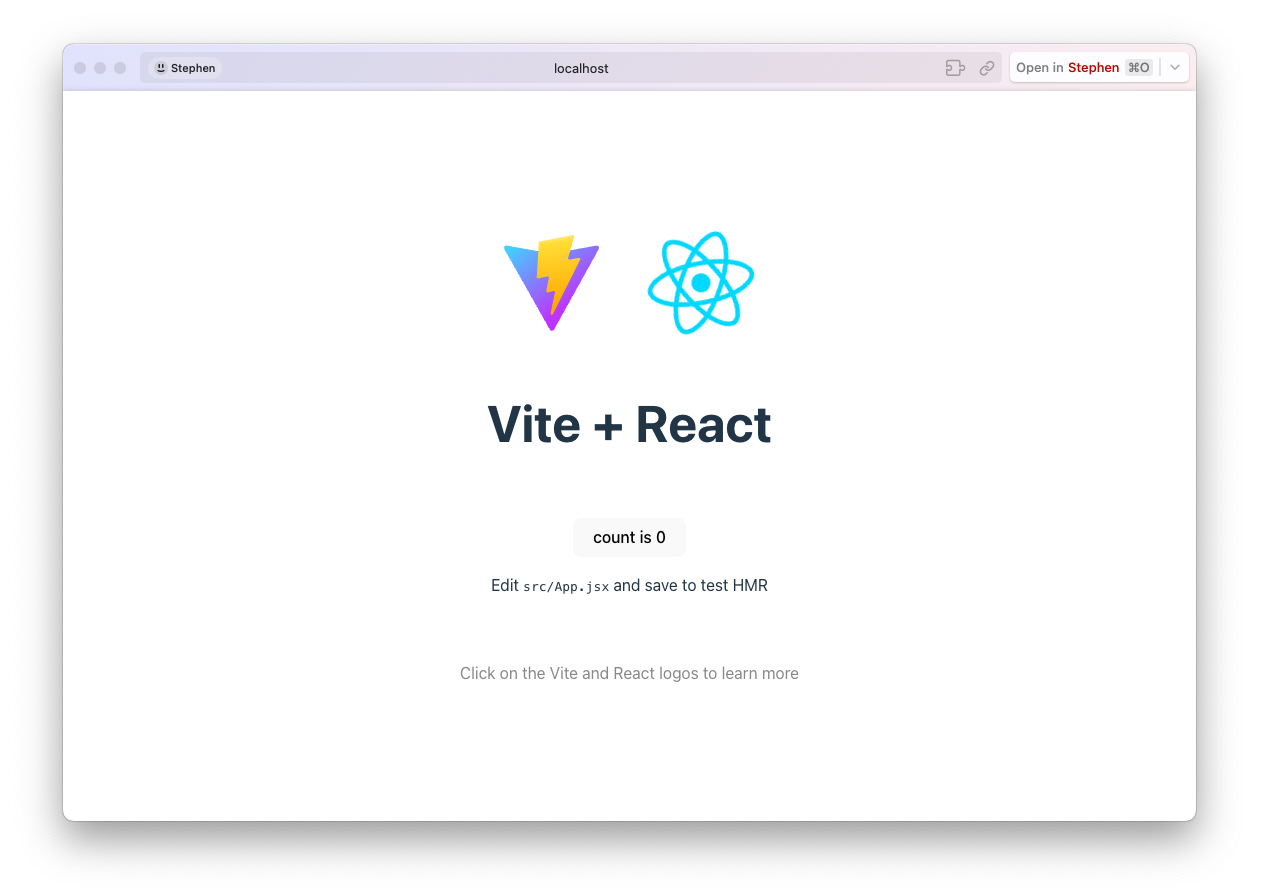
npm run devNow you can open your browser and navigate to http://localhost:5173 to see the React app running.
Global bug
Currently there is a bug in one of the dependencies. You may need to add the following to your vite config if you run into an error:
import { defineConfig } from "vite";
import react from "@vitejs/plugin-react";

// https://vitejs.dev/config/
export default defineConfig({
  plugins: [react()],
  define: {
    // By default, Vite doesn't include shims for NodeJS
    "global.setImmediate": "((fn, ...args) => setTimeout(fn, 0, ...args))",
  },
});
This is a bug with the draft-js and hopefully a workaround can be found soon.
Next, we will add the Manifest Editor to the project. We will clear the contents of App.tsx and add the following code:
import { ManifestEditor } from "manifest-editor";
import "manifest-editor/dist/index.css";
import "manifest-editor/reset.css";

import { useEffect, useState } from "react";

function App() {
  const [data, setData] = useState();

  useEffect(() => {
    fetch("https://digirati-co-uk.github.io/wunder.json")
      .then((res) => res.json())
      .then((data) => {
        setData(data);
      });
  }, []);

  if (!data) {
    return <div>Loading...</div>;
  }

  return (
    <div style={{ width: "100vw", height: "100vh", display: "flex" }}>
      <ManifestEditor resource={{ id: data.id, type: "Manifest" }} data={data} />
    </div>
  );
}

export default App;
This code fetches a manifest from the web and renders the Manifest Editor with that data. You should see the following in your browser:
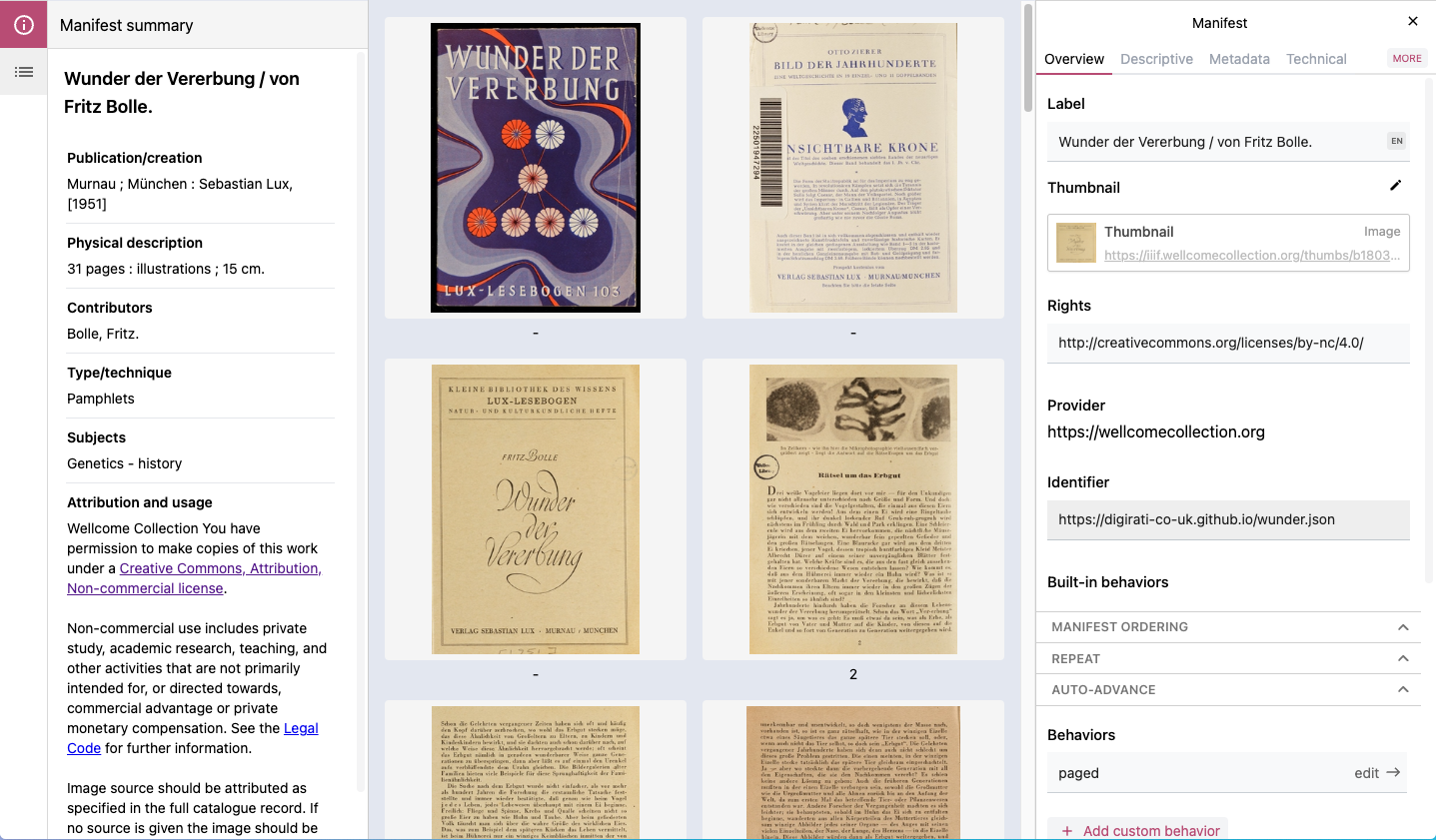
This is the minimal setup to get the Manifest Editor running in a Vite project. You will notice there are a few differences to the hosted version of the Manifest Editor:
- You have to load the IIIF Manifest yourself
- There is no header, which usually includes the preview, sharing and export buttons
- We had to include 2 stylesheets:
index.cssandreset.css
Let’s step through the code we wrote above to understand what is happening:
import { ManifestEditor } from "manifest-editor";
import "manifest-editor/dist/index.css";
import "manifest-editor/reset.css";
First we import the ManifestEditor component from the manifest-editor package. We also import the default stylesheet and a reset stylesheet.
The dist/index.css includes all the styling for the Manifest Editor, but it assumes you have a CSS reset (e.g. Tailwind preflight )
which is why we include the optional reset.css file.
The <ManifestEditor /> component is a convenient packaged version of the editor. It takes two props: